

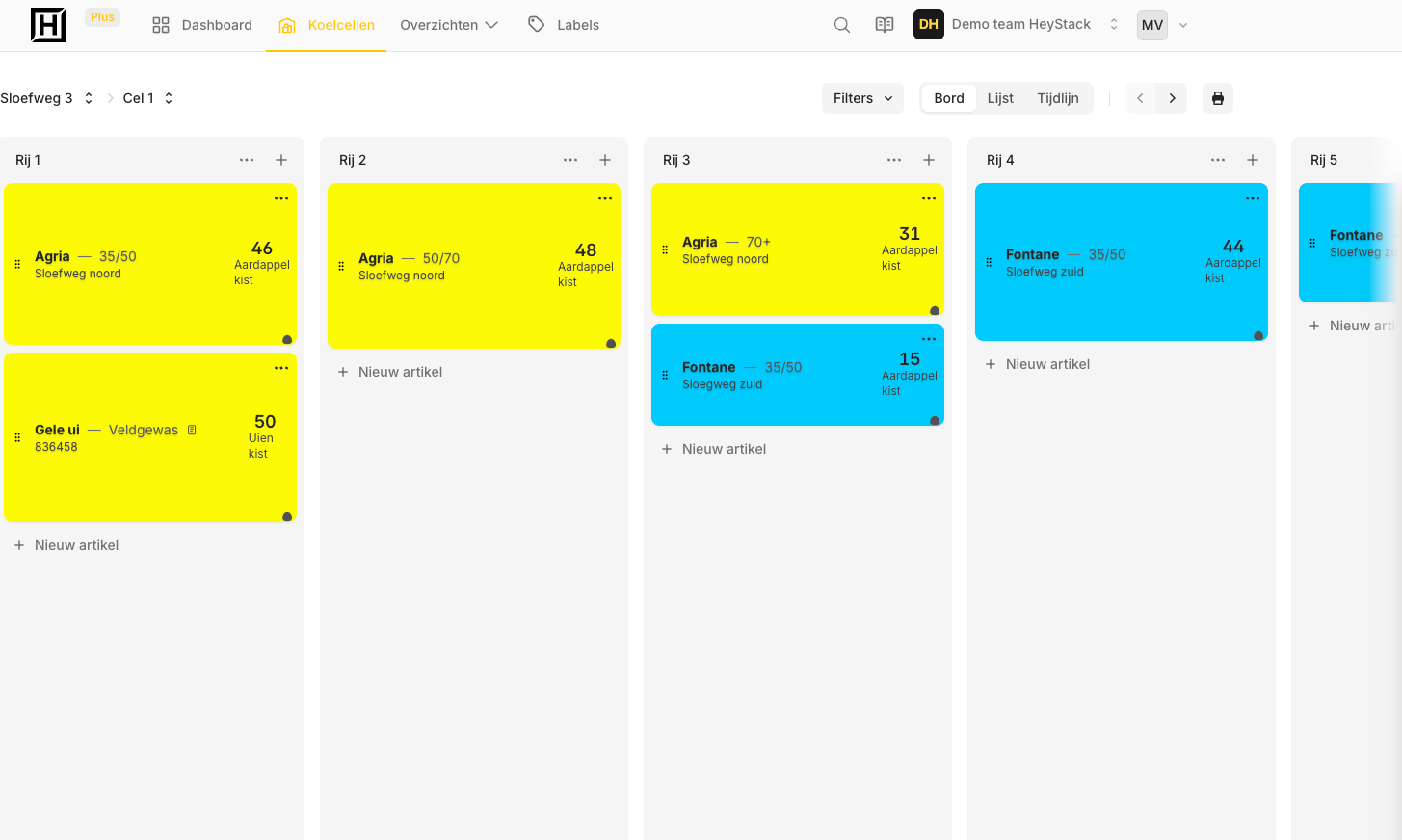
#The board stays in the shed. Your inventory changes.
The whiteboard shows what is stored in each cold room and row. Handy when you are standing in front of it. But when boxes come in or go out, the quantity changes. You need the latest number when you are working somewhere else, too.
In HeyStack, you keep the layout of your own storage building. Update a batch on your phone and see the same overview on your computer.
#Keep the layout from your board
Does your whiteboard say 'Room 1' with 'Row 4' beneath it? Use those same names in HeyStack. Put each batch where you would write it on the board, with its name, size and quantity.
The layout feels familiar right away. You do not need new warehouse codes or a new way of working.
#From 60 boxes to 48. What happened?
Yesterday the board showed 60 boxes from one batch. Today it shows 48. Were 12 dispatched, or was the count wrong? Once you erase the old number, the board cannot tell you.
In HeyStack, you can add a short reason when you change a quantity. Later you can see what changed, when it happened and who recorded it. Handy when a few people look after the same inventory.
#Start with one cold room
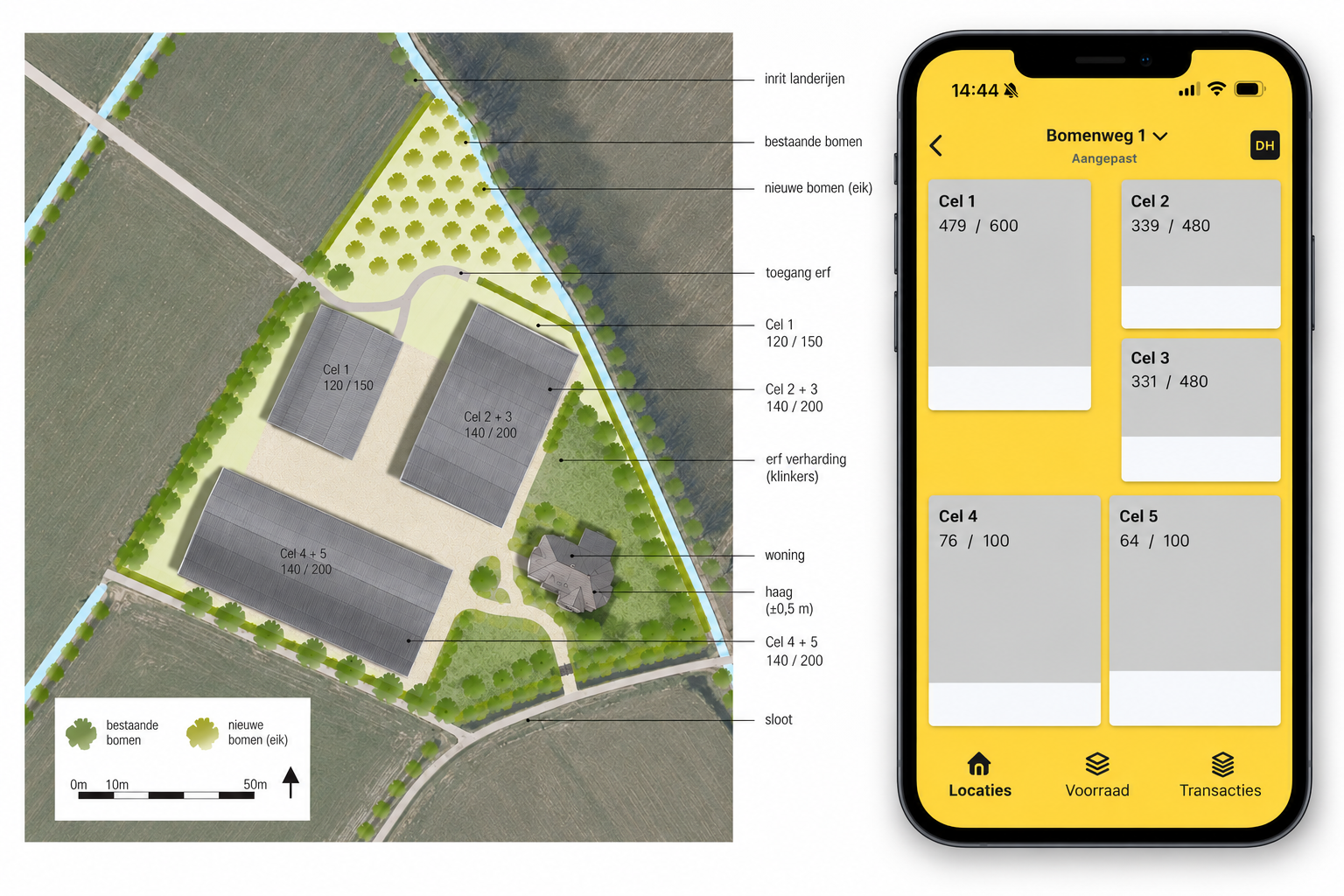
First, copy one cold room from your board. Use the same row names and add the batches stored there with their quantities. When something changes in that room, update it in HeyStack.
Once that works for you, add the next cold room. You do not have to enter your entire storage building in one day.
Start using HeyStack for free and add your first cold room.