

#Find a potato batch by variety and size
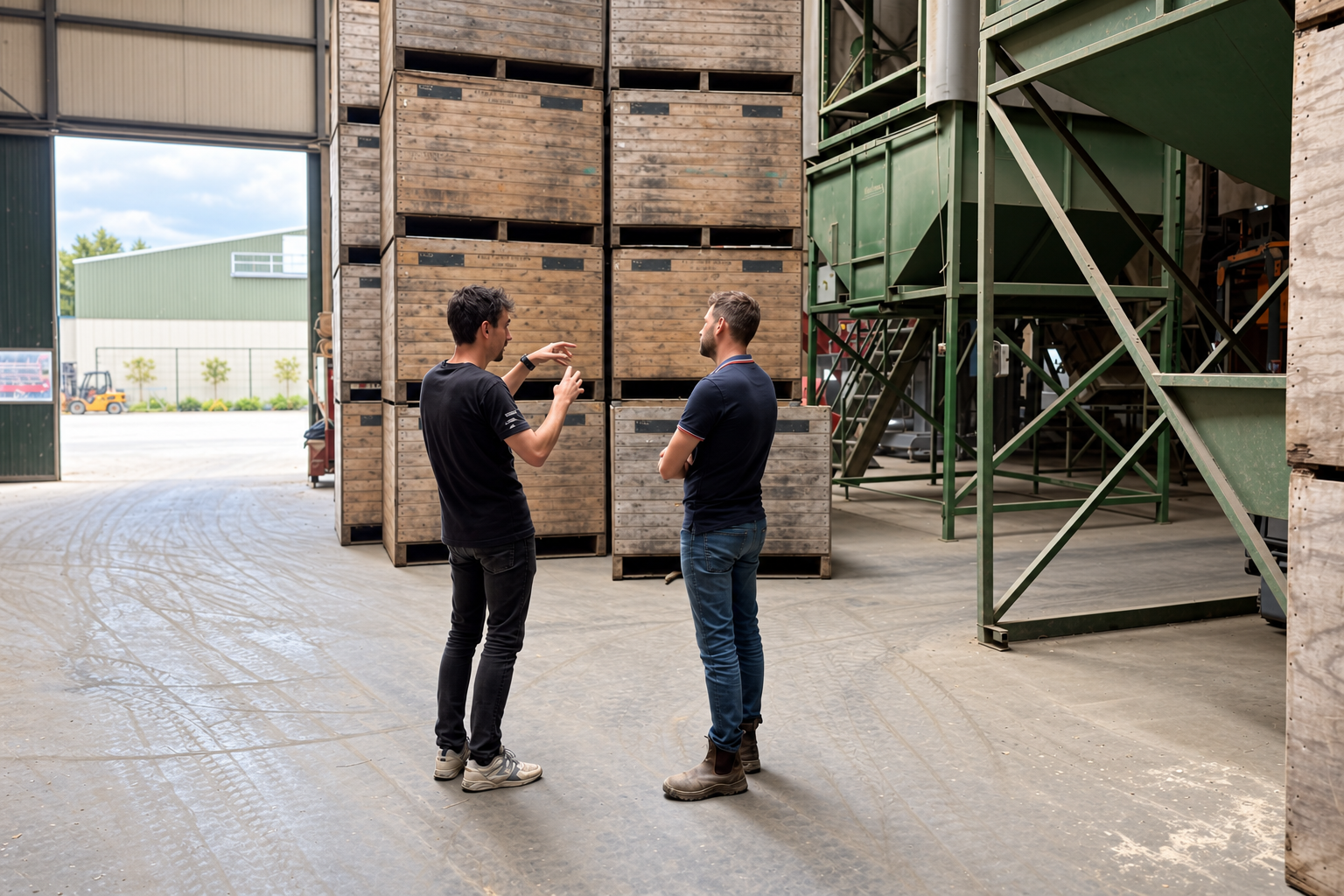
Seed potatoes, ware potatoes and different sizes may share the same store. Before grading or dispatching a batch, you want to know how many crates are left and where they stand.
In HeyStack, find the batch by variety, size or origin. You can see the number of crates and their location. If you move crates, update their location. If you dispatch them, update the quantity.
Potato inventory
Start with one total per batch
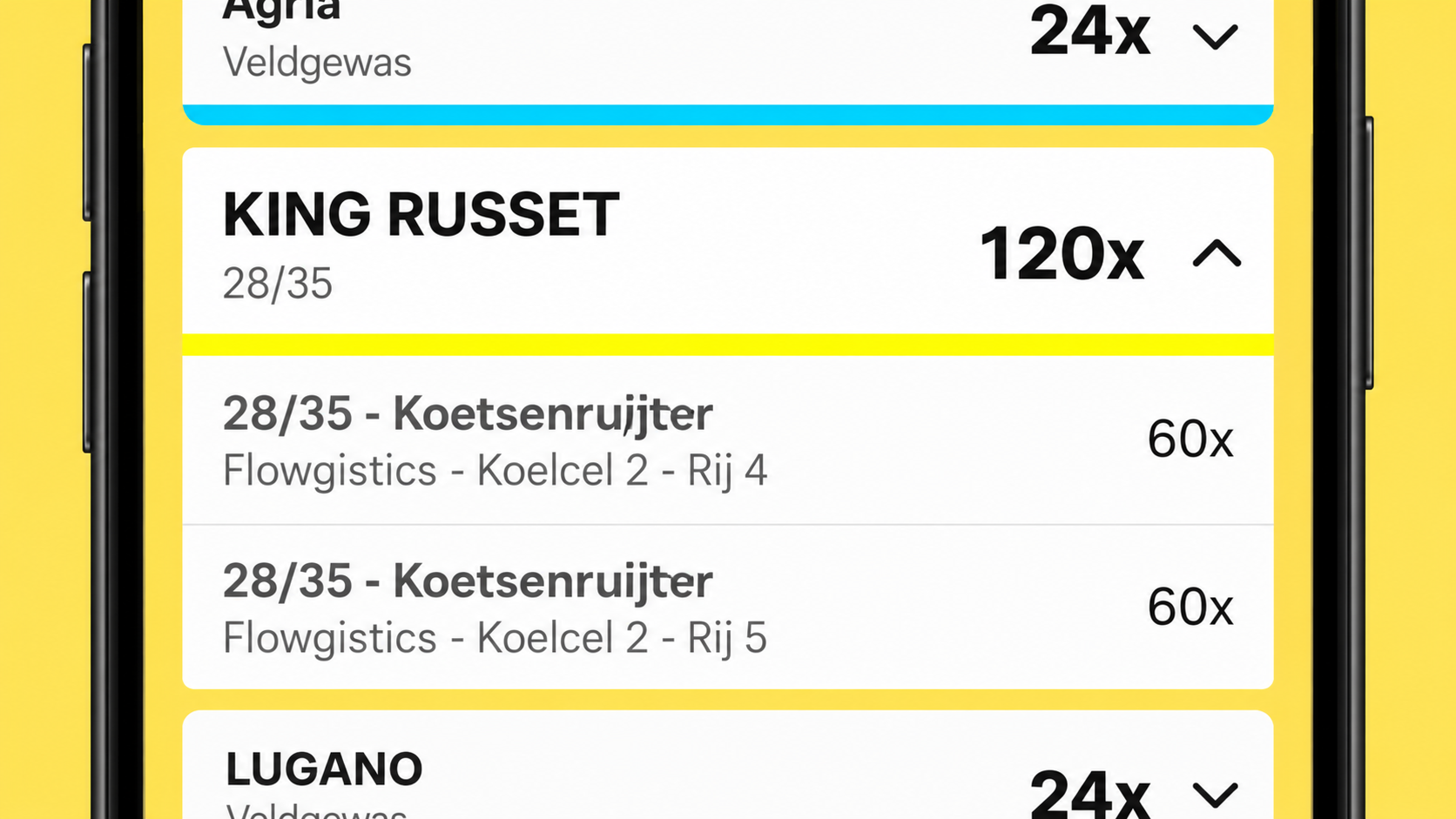
You do not need to enter every crate separately. In the app, for example, you can see a total of 120 crates of KING RUSSET 28/35. Open the batch to see how many crates are in each row.
When crates leave, update the quantity. That tells you what remains for the next delivery, without labels or a scanner.
#Bringing potatoes into storage: record what arrives
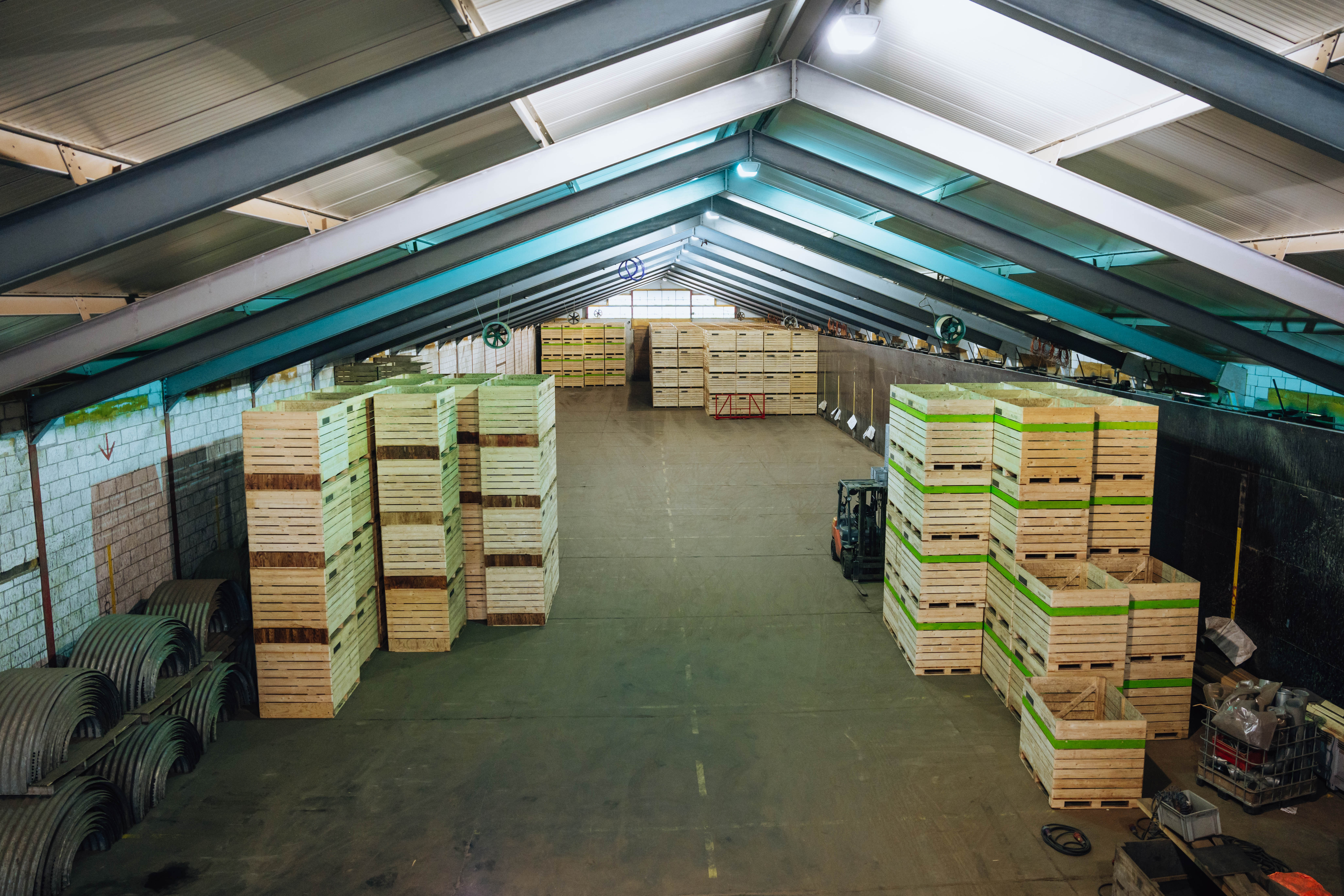
After harvest, the crates come in from the field. Record the variety, the field they came from and the number of crates for each batch. Add the cold store and row where you put them.
You do not have to wait for the entire harvest. If more crates from the same field arrive later, update the quantity for that batch.
#Grading: split a batch into new sizes
An ungraded batch changes when you grade it. Record how many crates you have in each size and how many are rejected. HeyStack deducts those quantities from the original batch and adds the graded crates under their new sizes.
When the next order comes in, you can see which sizes are actually in stock.
#Dispatch: deduct what actually leaves
A buyer wants to collect 40 crates of Fontane. HeyStack shows that those 40 crates are in stock and which row they occupy, so you know where to find them.
If only 38 crates leave, deduct 38. The two crates that stay behind remain in your inventory. Your number is right when the next buyer calls.
#Seed potatoes in the Netherlands? Start with your NAK list

Your seed potato batch details are already in a list. Upload it as a CSV file to HeyStack instead of typing the names and sizes again. Check the batches before saving them.
The import prepares your batches. When the crates actually arrive, enter their quantity and storage location.
For information about seed potato inspections, visit the NAK website.
#From a whiteboard and Excel to one overview
At Van Schendel, inventory used to be recorded on both a whiteboard and in Excel. Martijn spent a few hours updating the numbers every Saturday. Now he opens HeyStack to see where the inventory stands.
Read how they made the switch in the Van Schendel customer story.
Start using HeyStack for free and add your first potato batch.