

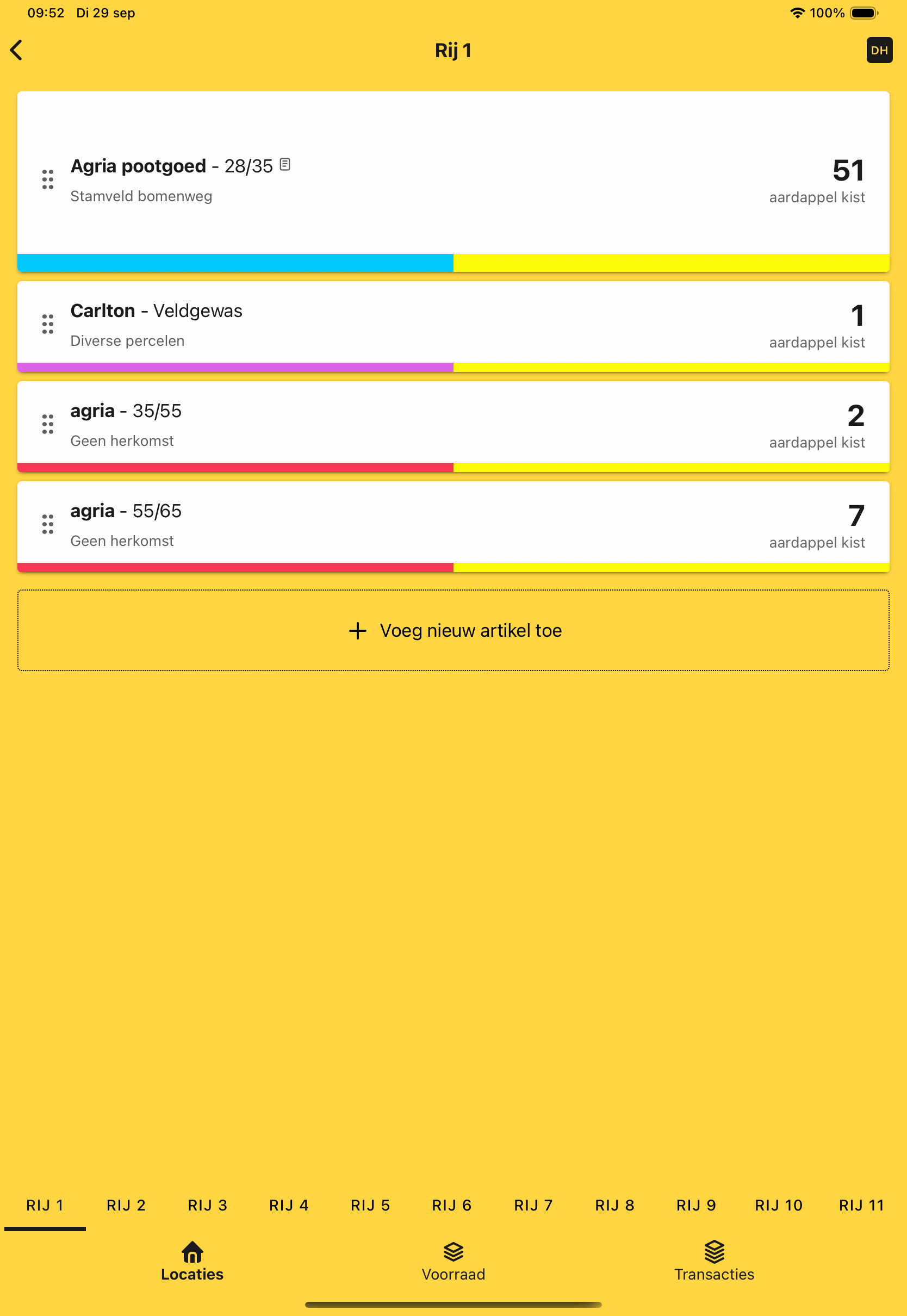
#From your NAK list to stock in the store
Before you move seed potatoes into storage, you may already have their batch details in a NAK list. Import it as a CSV file into HeyStack, so you do not have to type every variety and size again.
Choose which columns make up the name and size. Check the preview and the full list of batches before saving the import.

When storing your crop
The import prepares your batches; it does not add boxes or choose a storage position. When the boxes arrive, record the actual quantity for each batch and select its cold room and row.
You can then look up how many boxes of each variety and size you have and where to find them.

#Move, grade and dispatch seed potato batches
Move all or part of a batch to another row, update quantities when boxes leave and add a reason for corrections. With total inventory, you can record size grading and rejects.
The transaction history shows what changed, when it happened and who recorded it. That helps you check a difference later in the season.
#One total or individual boxes
Keep one total per batch if the boxes are interchangeable. Choose unique items if you need to identify each physical box separately. Labels and supported scanners can help with that, but you can start using HeyStack without them.
Read more about HeyStack for potato growers and box registration.
Start using HeyStack and prepare your first seed potato batch.