

#Inventory software for the store, warehouse and cold room
Agricultural inventory management usually comes down to three questions: what do you have, how much is there and where is it stored? Yet the answer is often spread across a whiteboard, a spreadsheet, loose notes and colleagues' memory.
HeyStack brings that information together. The app is made for growers, sorters, processors and storage businesses handling batches in boxes, big bags or bins.
Work with big bags? See how inventory management for big bags handles totals and individual items.
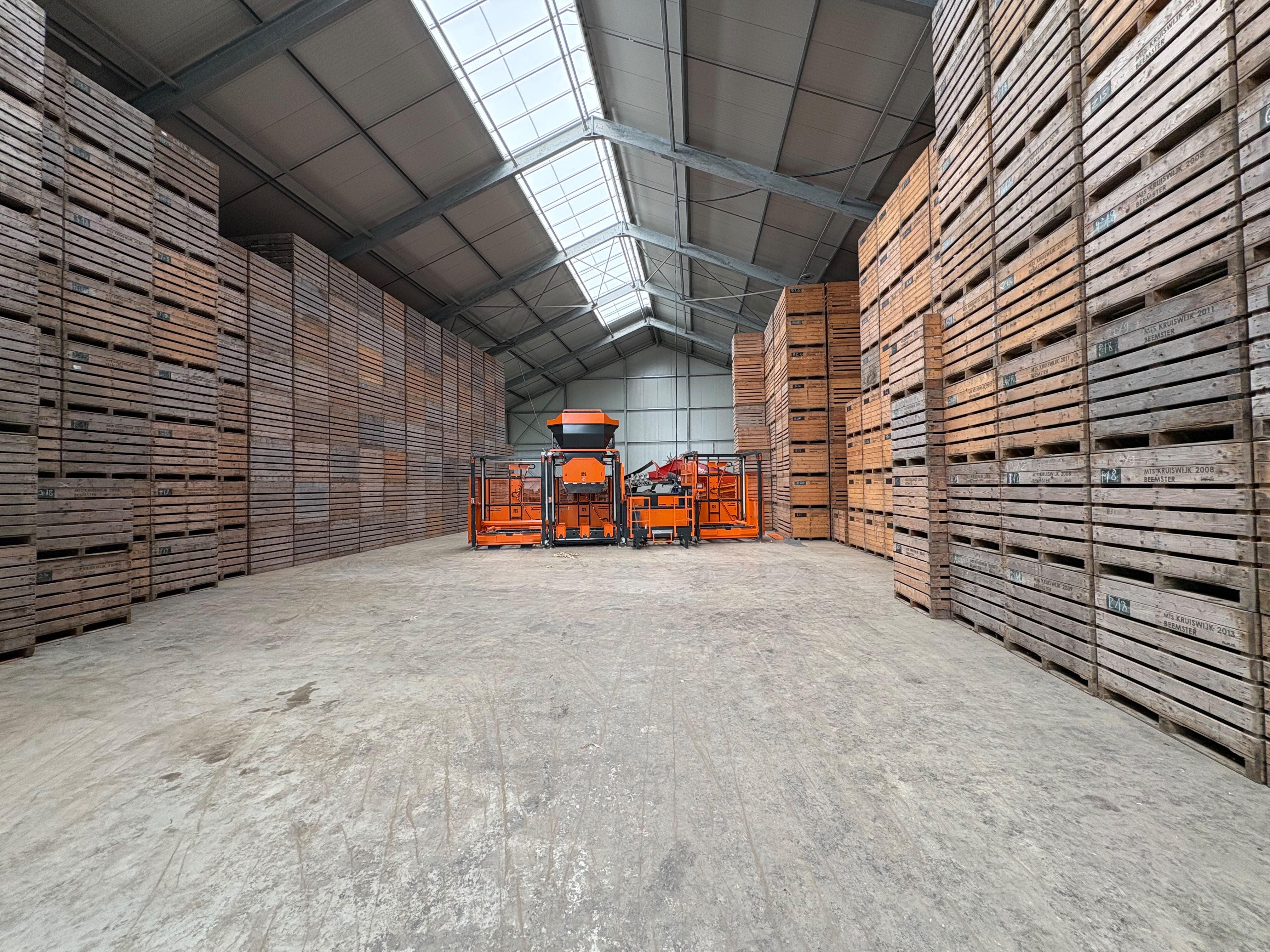
#Record batches where they are actually stored
Set up your business in a familiar order:
Site → Cold room → Row → Storage item
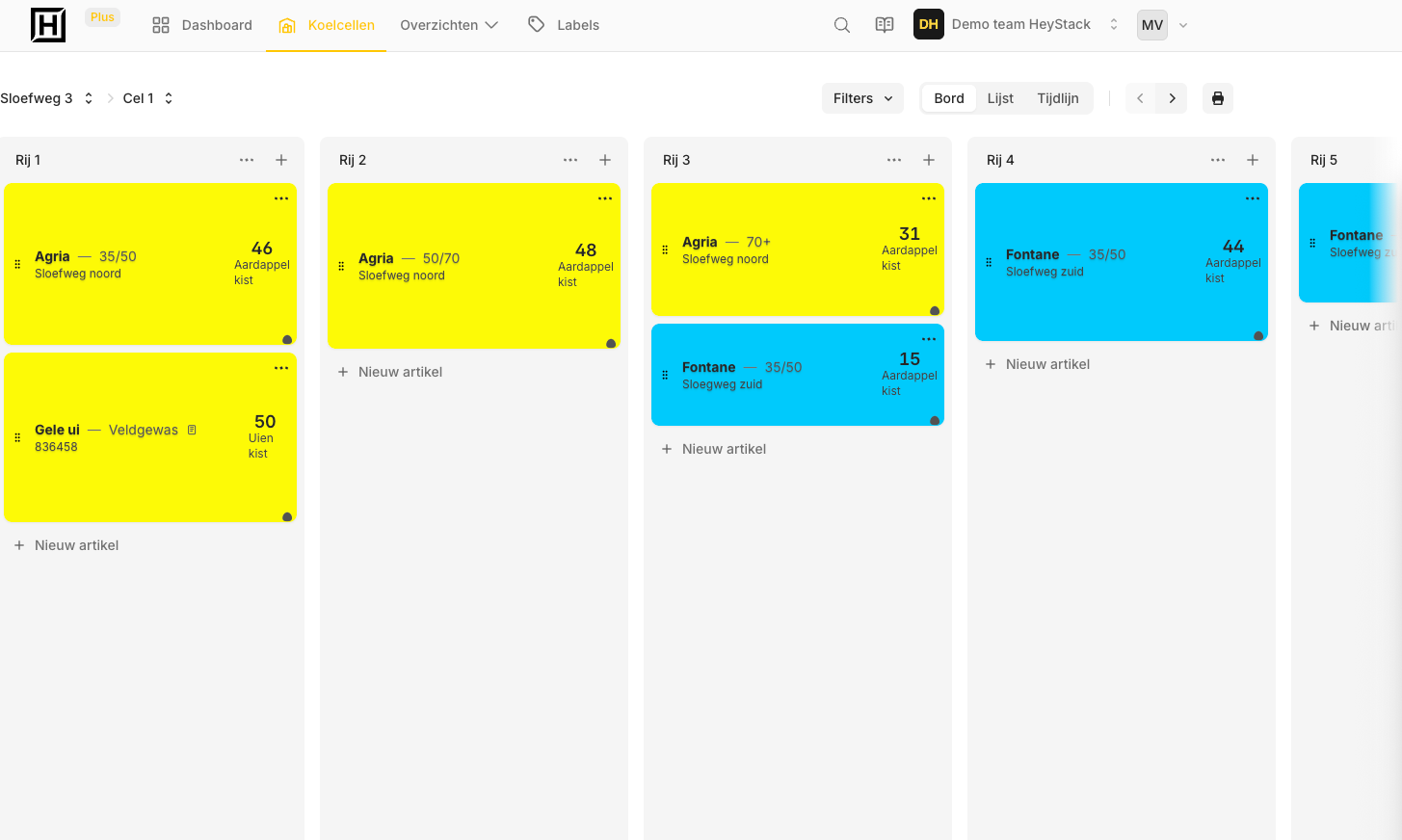
For each batch, record details such as name, size, origin, quantity, colour and description. You can see both the total stock and how it is spread across storage locations.
This works for potatoes, onions, carrots, flower bulbs, apples, pears and other products where the batch and its location matter.
For potatoes, see how to track stock by variety, grade and cold room.
#Work in the app and on your computer
In the mobile app, open a site, cold room or row and update stock where the physical work happens. The web portal gives you an overview on a larger screen, along with management tools and insight into movements and storage use.
Everyone on the team sees the same figures. A change no longer has to be written down on paper and later entered again in a spreadsheet.
Still working with separate inventory sheets? See how to set up inventory management without spreadsheets for your own storage.
#Choose the level of detail your work needs
Use total stock if you mainly need one quantity per batch. Choose unique items when you need to identify each physical box, big bag or bin separately.
For unique items, you can prepare labels and use supported Android scanners. But you do not need extra hardware to start with HeyStack: you can still enter stock manually in the app or on your computer.
#See what changed
Record incoming and outgoing stock, move stock to another row and register size grading when needed. The history shows the quantity, date, time and user behind a change.
HeyStack is deliberately not a complete ERP or WMS. It focuses on the practical stock problem in the store: knowing what is stored where, without making data entry more complicated than the work itself.
Read more about box registration and batch registration.
Start using HeyStack for free and add your first site and batch.